

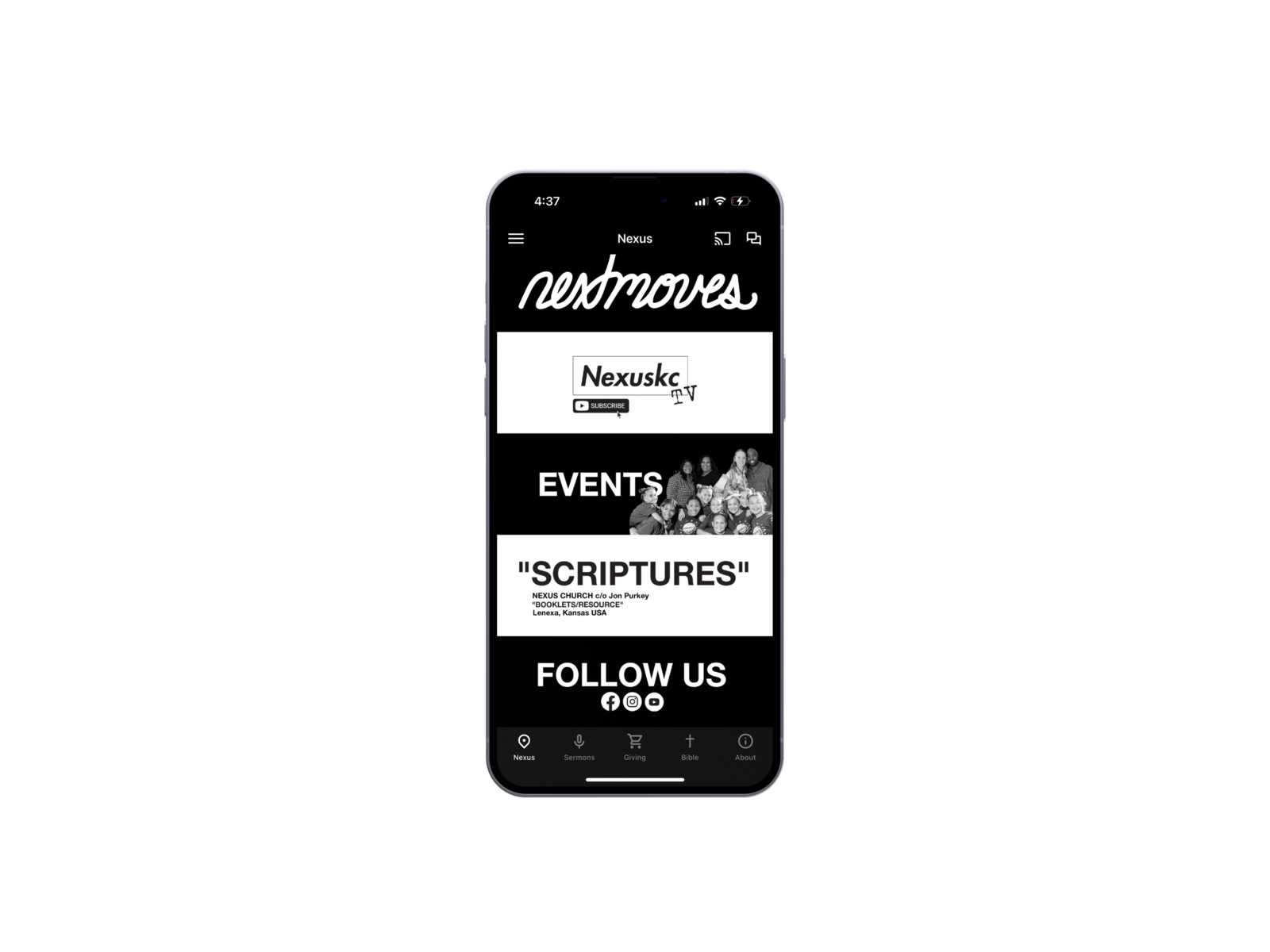
One of the best ways to stay up to date on all things Nexus is to download our free app and get our important announcements as notifications on your mobile device!
DOWNLOAD OUR
FREE APP NOW!



Account Deletion – Nexus Church App
How to Delete Your Account
Users of the Nexus Church App can delete their account at any time directly within the app. Account deletion is self-service and must be initiated by the user while logged in.
The Nexus Church App uses Subsplash Accounts, which allow users to fully manage and delete their own account without contacting support.
Steps to Delete Your Account
- Open the Nexus Church App
- Log in using your account credentials
- Navigate to your Profile
- Tap Edit Profile
- Scroll to the bottom of the page
- Tap Delete Account
- Confirm when prompted
- Once confirmed, your account and associated personal data will be permanently deleted.
What Happens When You Delete Your Account
Some limited data may be retained only if required by law or for legitimate operational purposes, in accordance with our privacy policy.
Need Help?
If you are unable to access your account or have questions about account deletion, please contact us:
Email: hello@nexuskc.com
- Your user account is permanently removed
- Your personal information associated with the account is deleted
- You will no longer have access to account-based features
- This action cannot be undone
Some limited data may be retained only if required by law or for legitimate operational purposes, in accordance with our privacy policy.
Need Help?
If you are unable to access your account or have questions about account deletion, please contact us:
Email: hello@nexuskc.com